


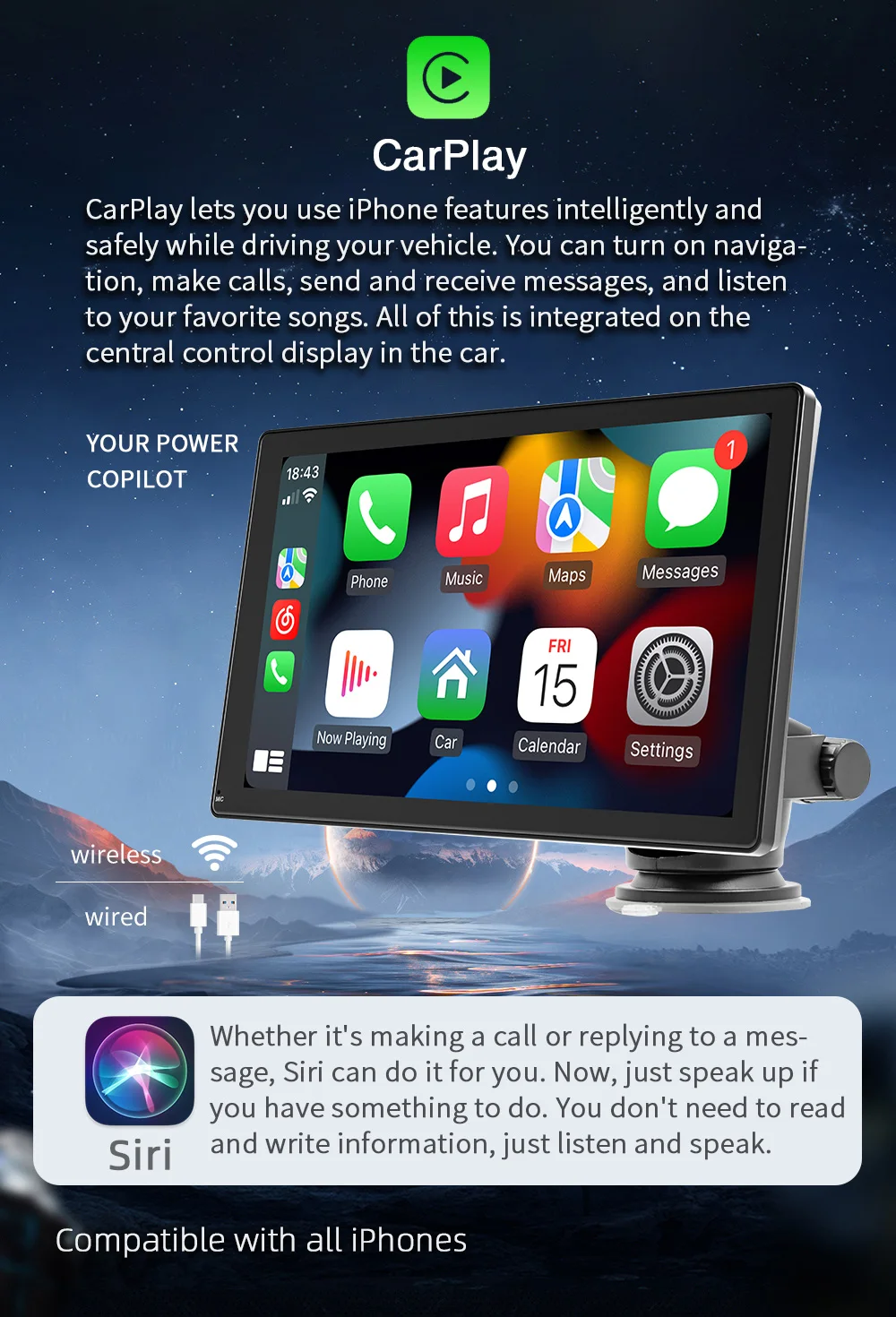
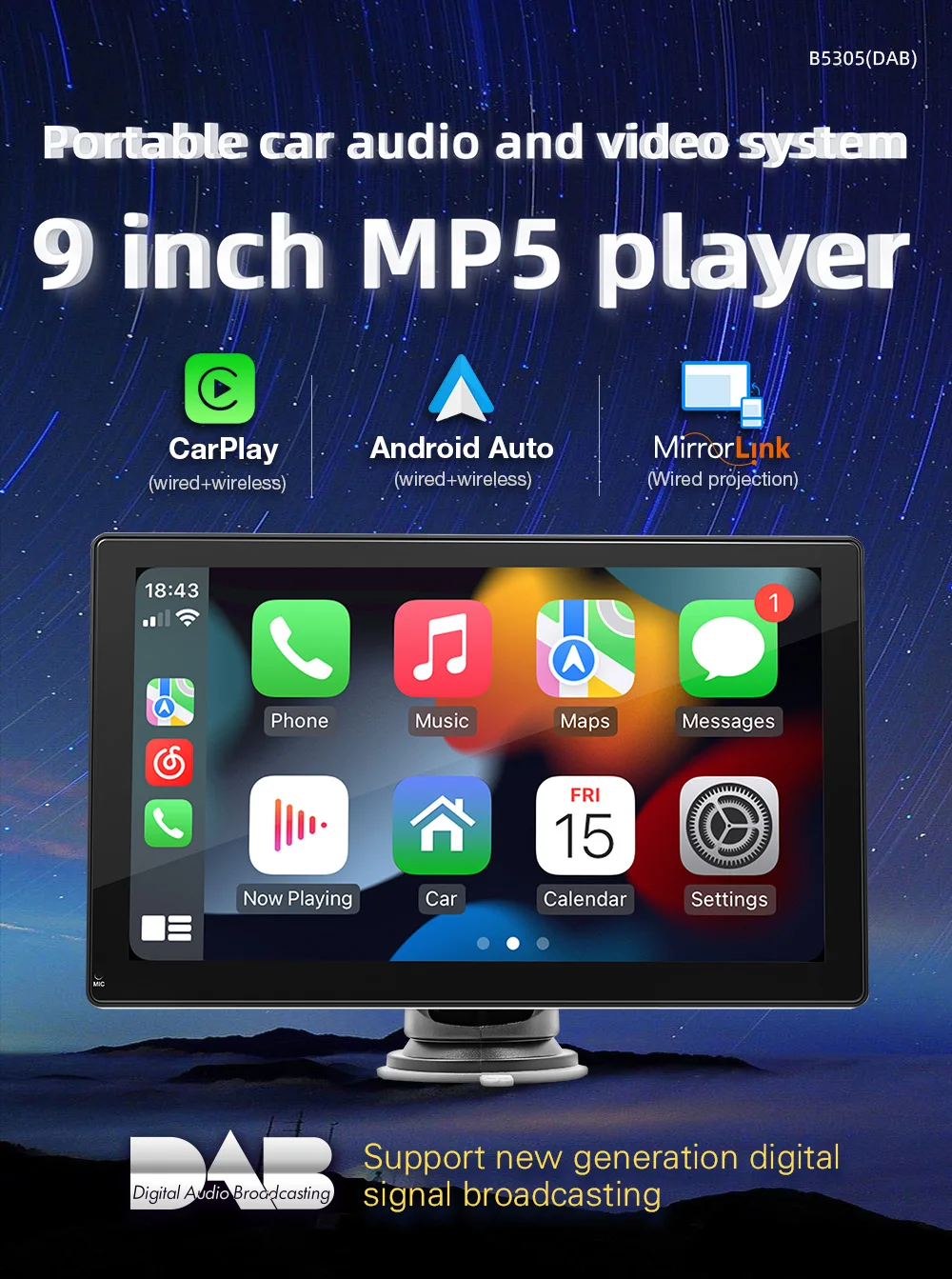
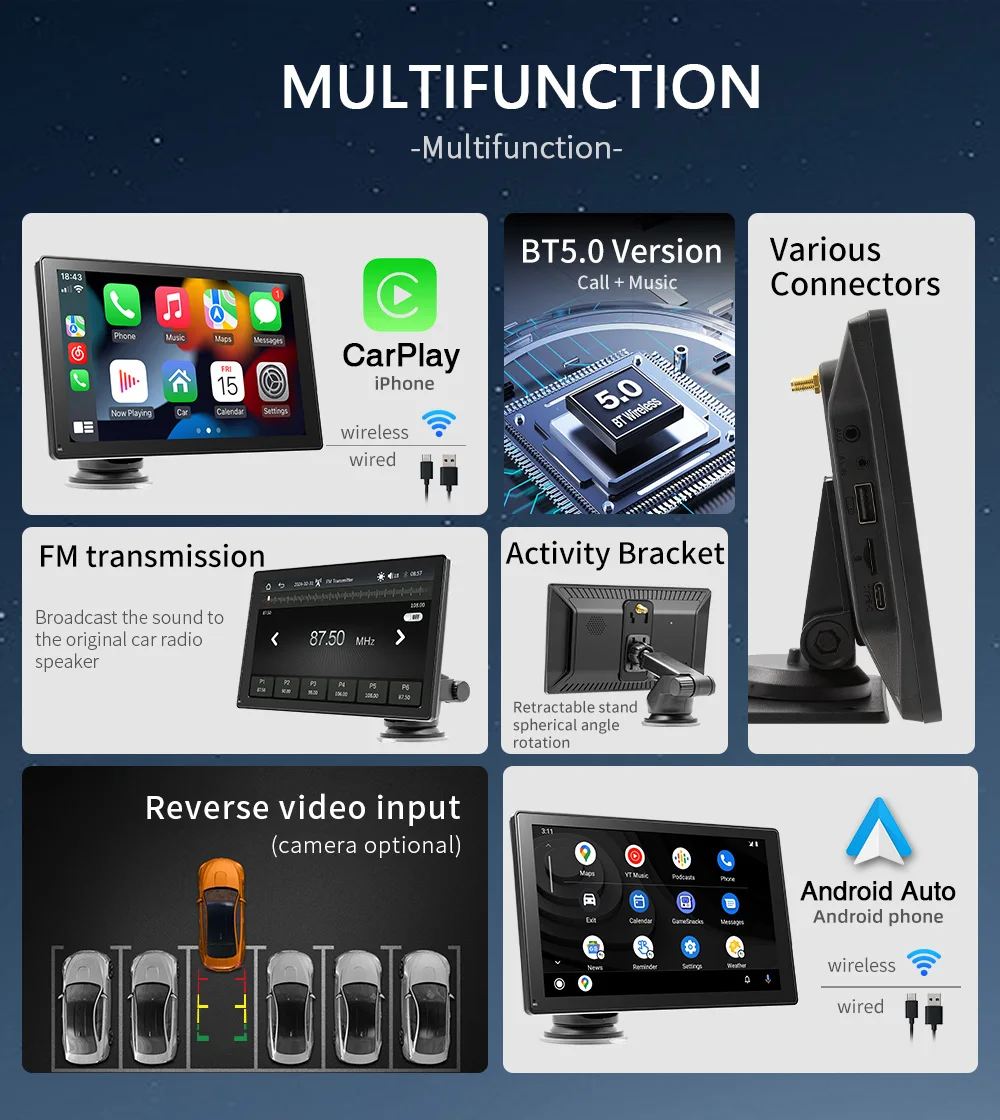
1. Navigation: You can use our Carplay car stereo infotainment system to get turn-by-turn directions using popular navigation apps like Apple Maps, Google Maps, or Waze. 2. Music / Podcast: You can use our Carplay car stereo system to play music from your iPhone, access streaming services like Apple Music, Google Play Music, or Spotify, and use Siri to search for and play songs. 3. Phone Calls / Messages: You can make and receive phone calls using the car stereo microphone and speakers. You can also use Siri to initiate or answer calls, send/read messages, or check your voicemail. 4. Siri Assistant: You can use Siri to perform various tasks like setting reminders, checking the weather, or searching for information, all while keeping your hands on the wheel and eyes on the road. CarPlay provides a safer and more convenient way to access your smartphone features while driving, allowing you to stay connected and entertained without taking your eyes off the road.


BQCC 9" IPS Carplay Dashboard Monitor GPS DVR Camera Vehicle Stereo BT/AUX Car Stereo Touch Review Car Screen Multimeida
Regular price
$107.77
Sale price
$107.77
Regular price
$198.00
Product description
Shipping & Return
SPECIFICATIONS
Brand Name: BQCC
Car Fitment: Universal
Car Make: Universal,For all car
Color: Black
Combination: Bluetooth-enabled,CD Player,MP3 / MP4 Players,Radio Tuner,Touchscreen,FM Transmitter,Backup camera,CD/VCD Player,AUX Port,Reversing Aid,Other
Connection: Wireless,AUX,Bluetooth
Display Type: Ips,LCD
Features: Android Auto + CarPlay + Mirrorlink
Function: Gps,Stereo,HANDSFREE,Amplifier,CarPlay,DVB+,Mirror Link,android auto,Built-In Microphone,Torque Pro,Built-in Speaker
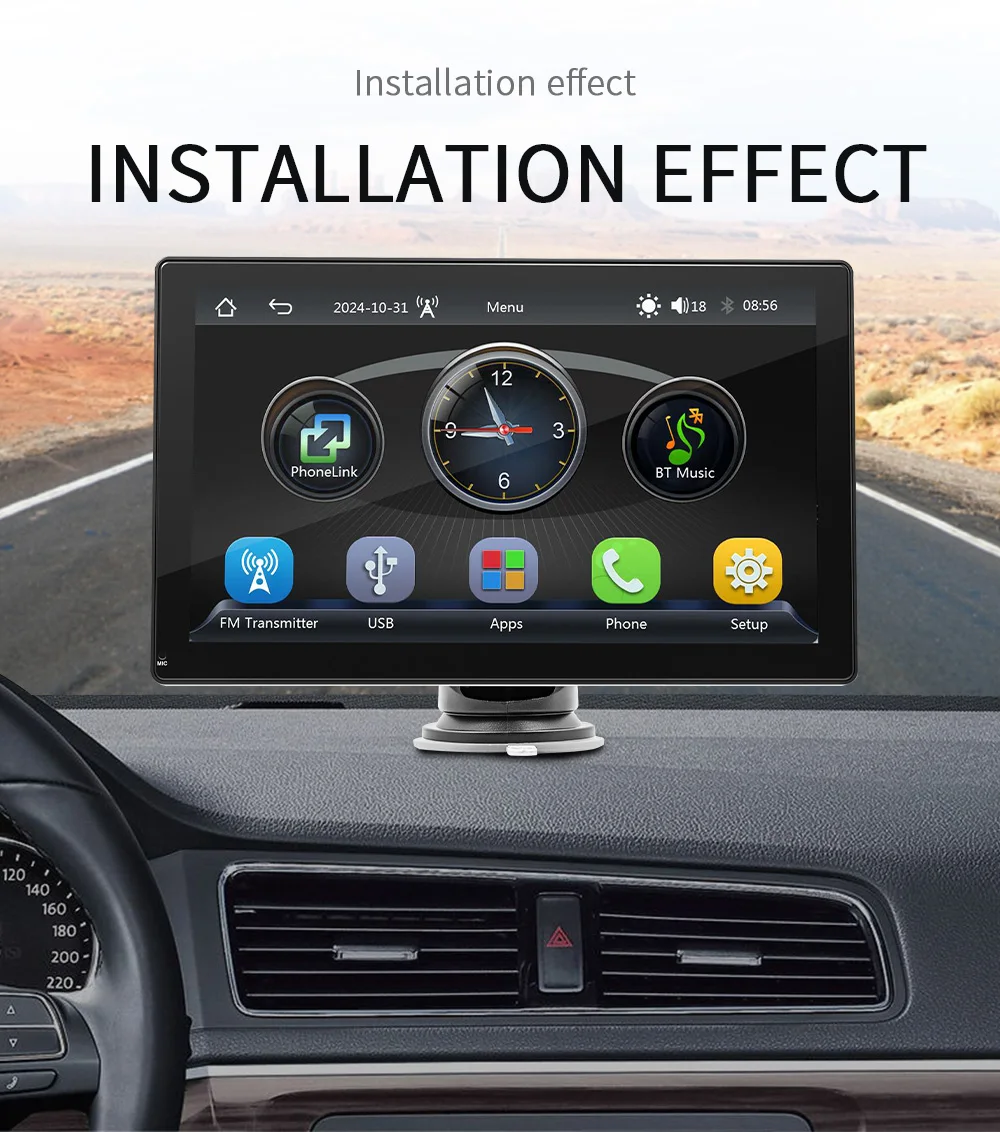
Installation: Panel Mount,Windshield Mount,dashboard mount
Languages: Multiple Language Support
Material: Metal+ABS
Model Number: B5305
OSD Language: English
Operating System: Linux
Operation System: Android
Place of Origin: Guangdong, China
Placement: Dashboard
Product name: B5305
Resolution: 1024*600
Screen Resolution: 1024*600
Special Feature: Portable
Special Features: Wireless Handsfree/Hands free call
Type: multimedia player,Portable,Portabel Carplay Monitor
Voltage: 12V-24V
Warranty: 1 Year
Related Products
BQCC 7" Portable Carplay Screen Monitor
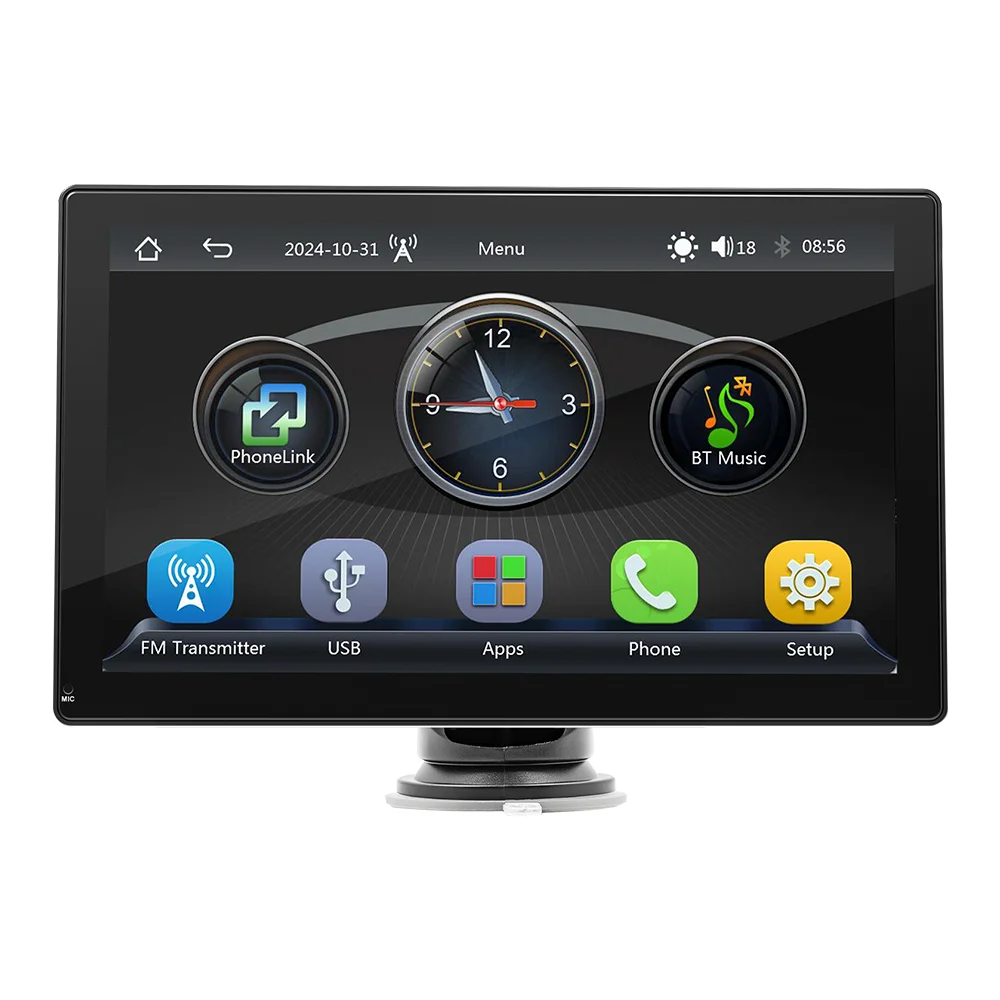
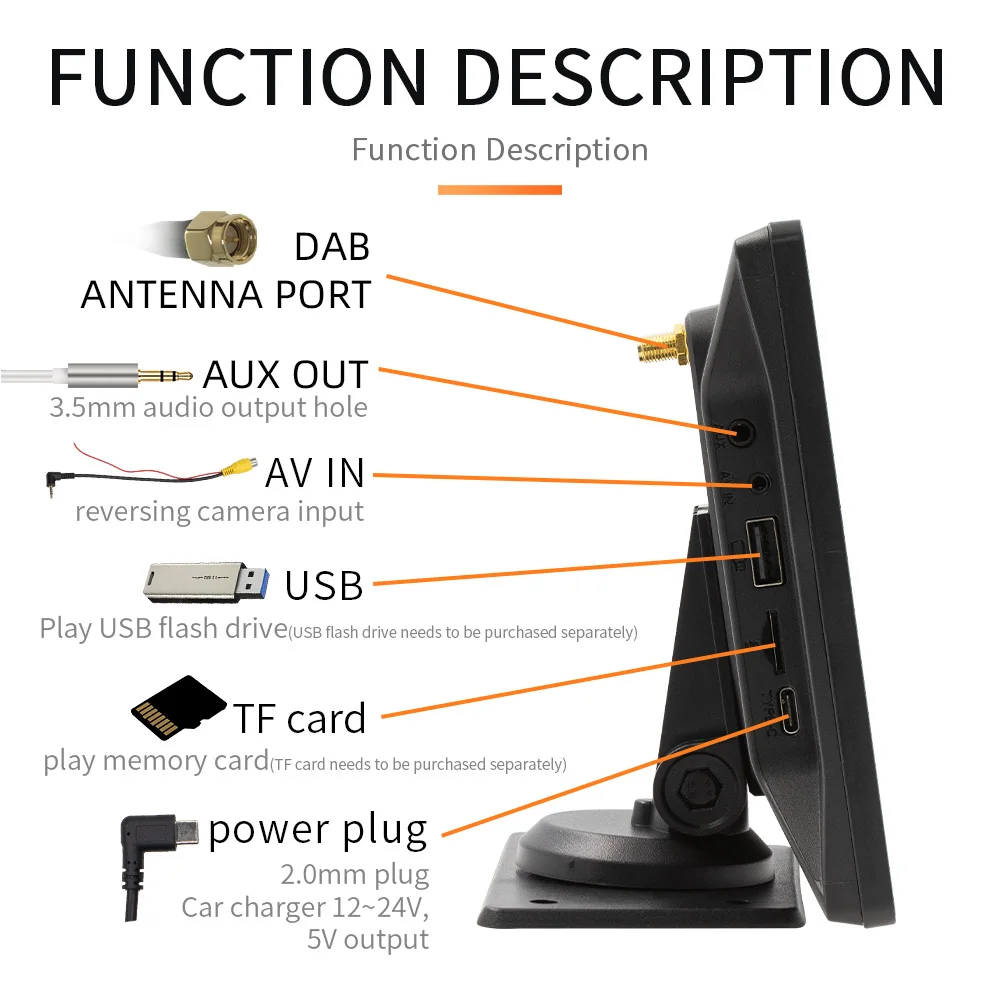
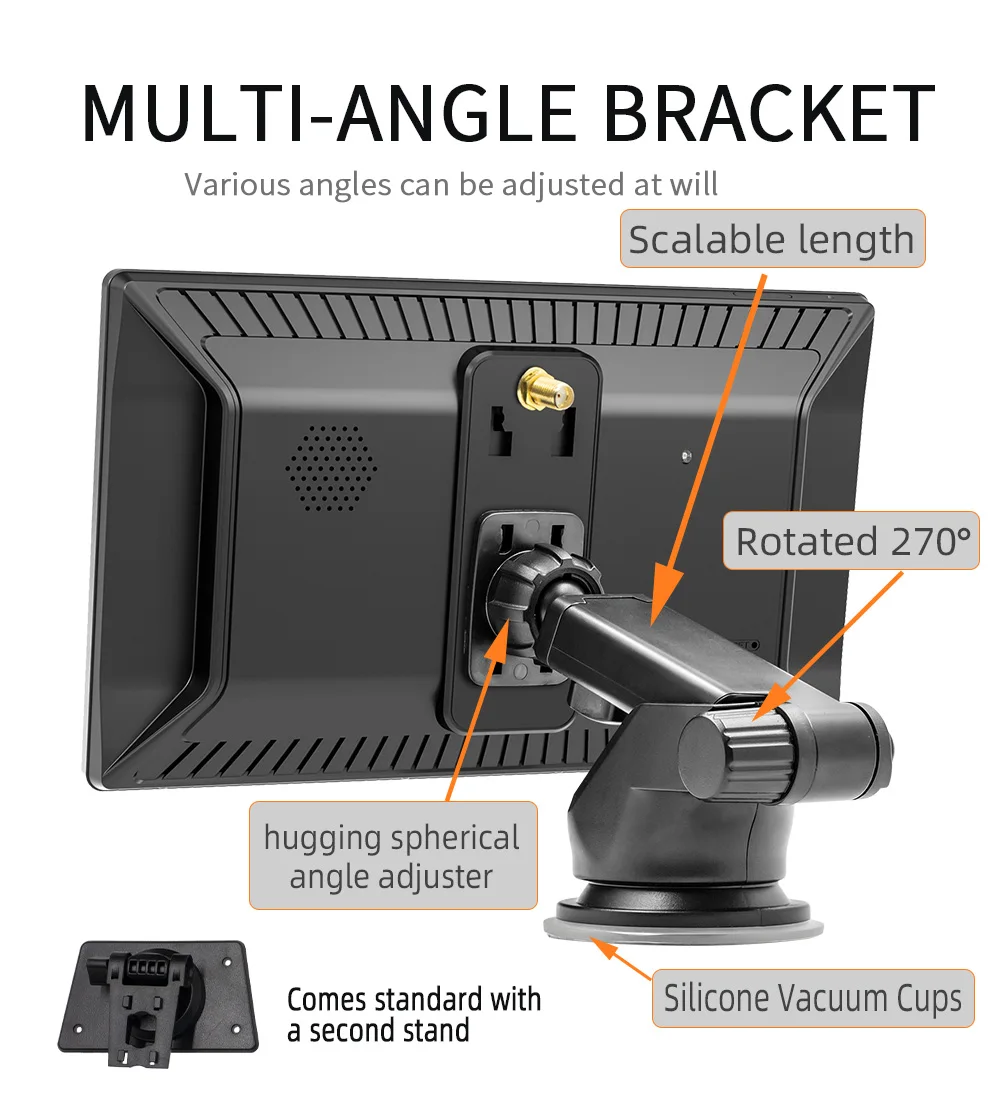
The BQCC 9" IPS CarPlay (12V-30V) is made of premium ABS material, offering high-temperature resistance, durability,multifunctionality, and easy installation, Suitable for Car, Pickup,Truck,SUV,MPV,Smart,Mini Van
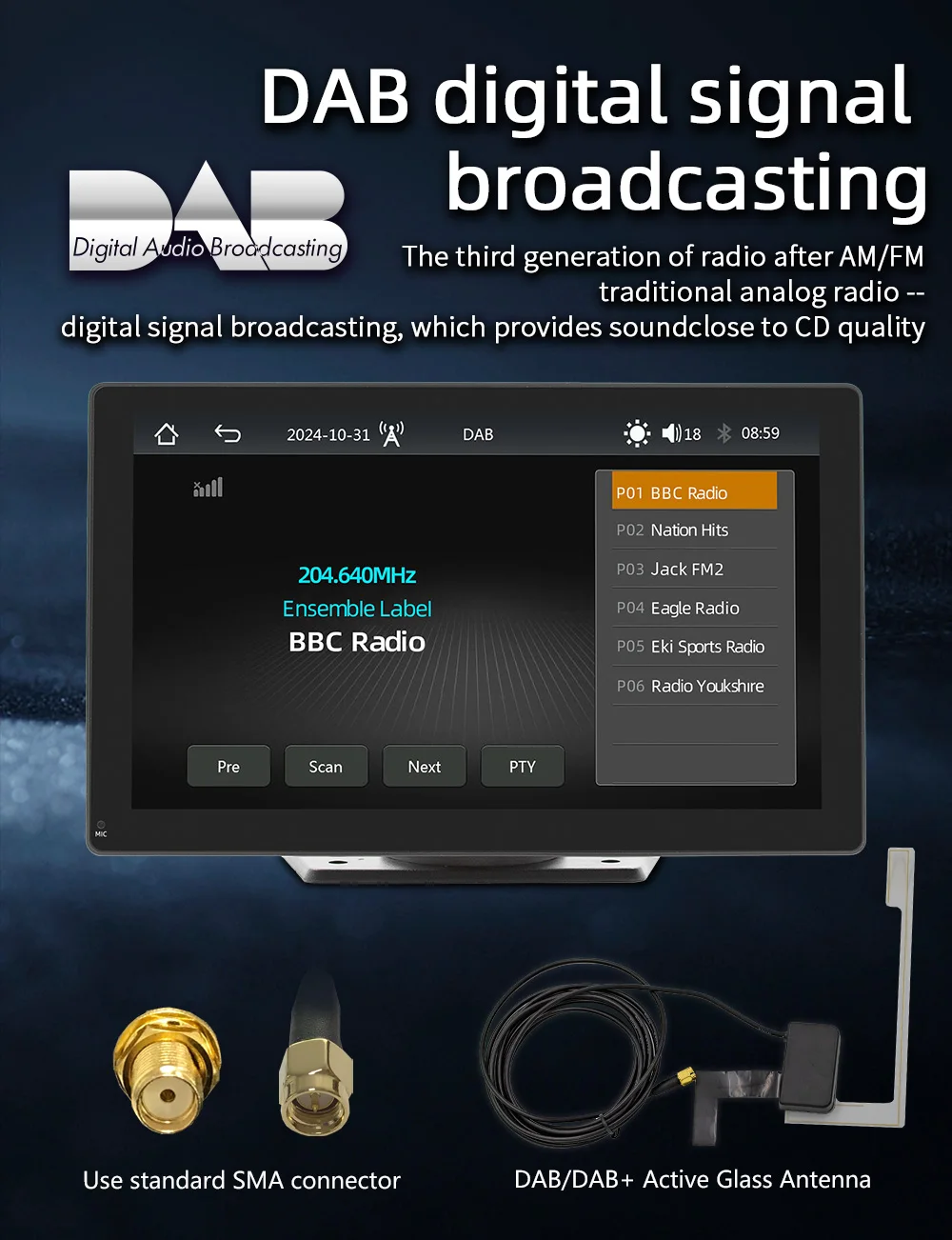
1. DAB function: Equipped with FM functionality, this stereo radio offers a high-quality stereo FM radio that allows for full
automatic,
semi-automatic, and precise channel tuning. Enjoy your favorite radio stations with exceptional sound quality and accurate tuning
automatic,
semi-automatic, and precise channel tuning. Enjoy your favorite radio stations with exceptional sound quality and accurate tuning
【FM transmitting function】You can transfer the player's sound to the car audio by adjusting the FM frequency band of the player and the car radio. This method can make you have a better listening experience
Product Usage
-
-
CarPlay is a feature designed by Apple that allows you to connect your iPhone to your car stereo. With CarPlay, you can perform
various tasks and access numerous features on your iPhone with the car stereo touchscreen while driving:
-
-
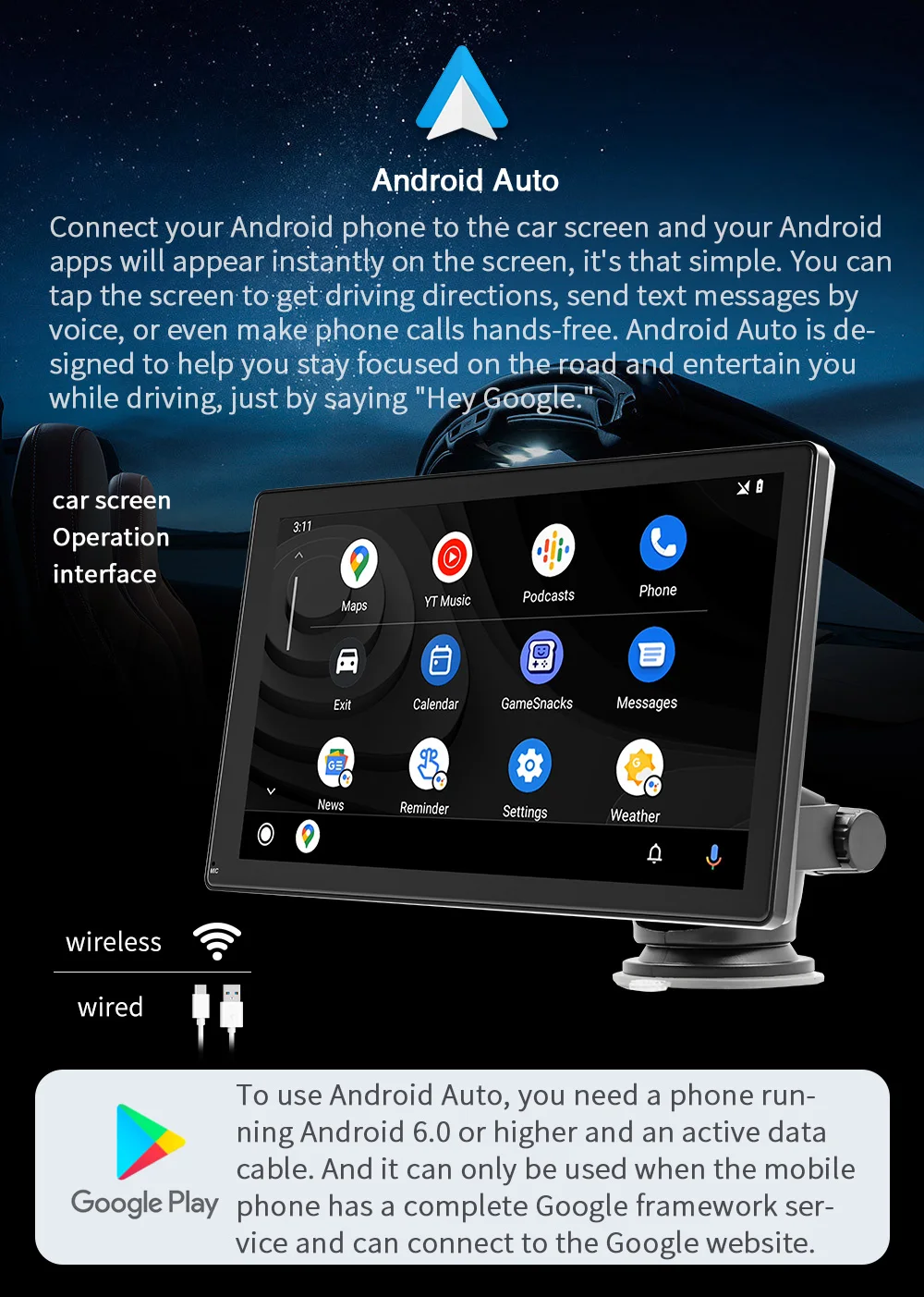
Android Auto is a program developed by Google that allows your smartphone to intelligently connect to your car stereo. With Android Auto, you can perform various tasks and access numerous features on your Android phone while driving:
1. Navigation: You can use your car's infotainment system to get turn-by-turn directions using popular navigation apps like Google Maps, Waze, or Sygic. 2. Music: You can play music from your phone, access streaming services like Google Play Music or Spotify, and use voice commands to search for and play songs. 3. Phone calls: You can make and receive phone calls using your car's microphone and speakers. You can also use voice commands to initiate or answer calls, send messages, or check your voicemail. Messaging: You can send and receive text messages using voice commands or a messaging app like WhatsApp, Telegram, or Facebook Messenger. 4. Google Assistant: You can use Google Assistant to perform various tasks like setting reminders, checking the weather, or searching for information, all while keeping your hands on the wheel and eyes on the road. 5. Apps: You can use a variety of Android Auto-compatible apps to perform various tasks, such as listening to podcasts, checking news updates, or finding parking spots. Android Auto provides a safer and more convenient way to access your phone's features while driving, allowing you to stay connected and entertained without taking your eyes off the road.
Product Description
-
Product performance description
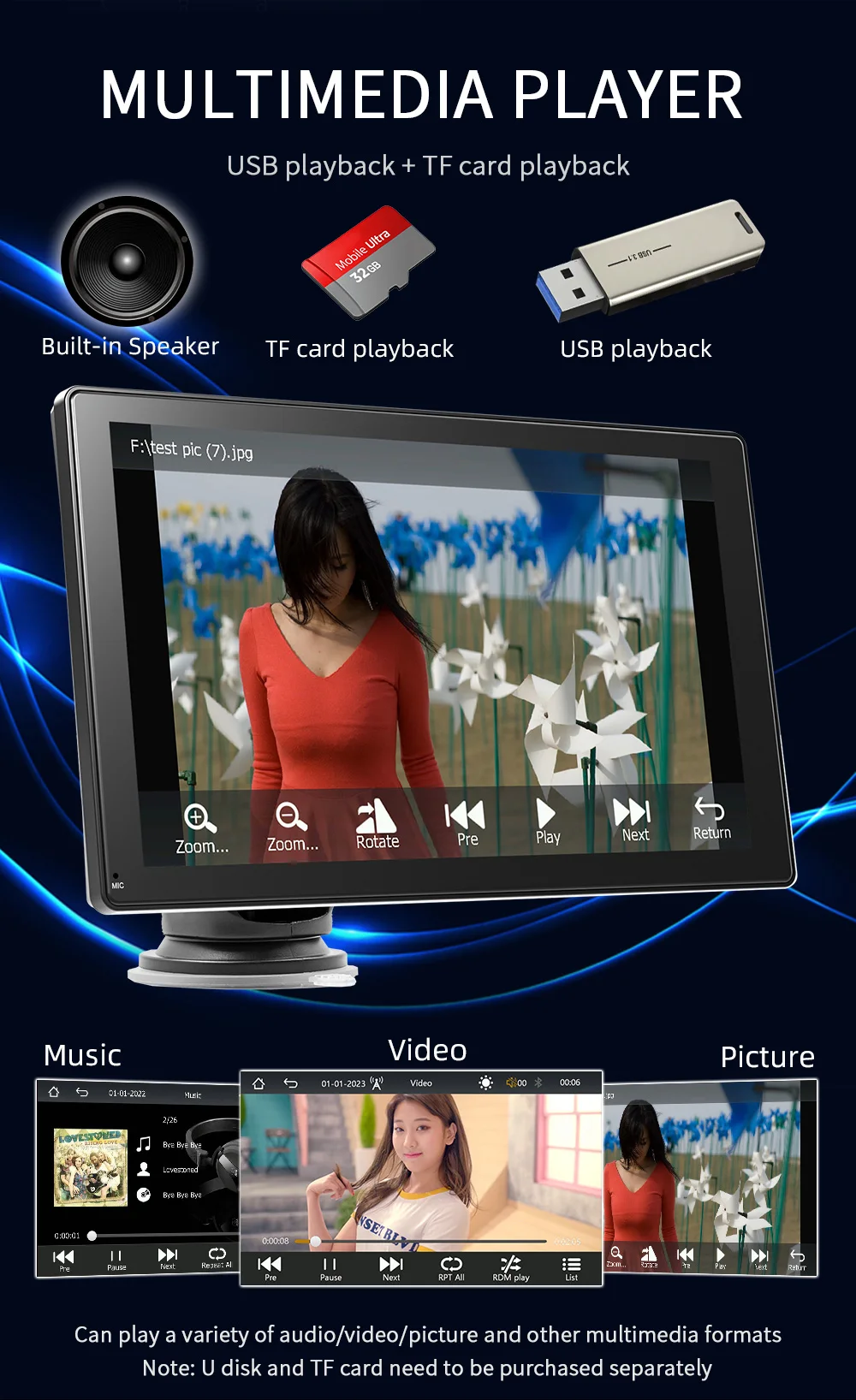
►The built-in speaker can also be transmitted to the car's sound system through aux cable or FM emission to experience better sound quality.
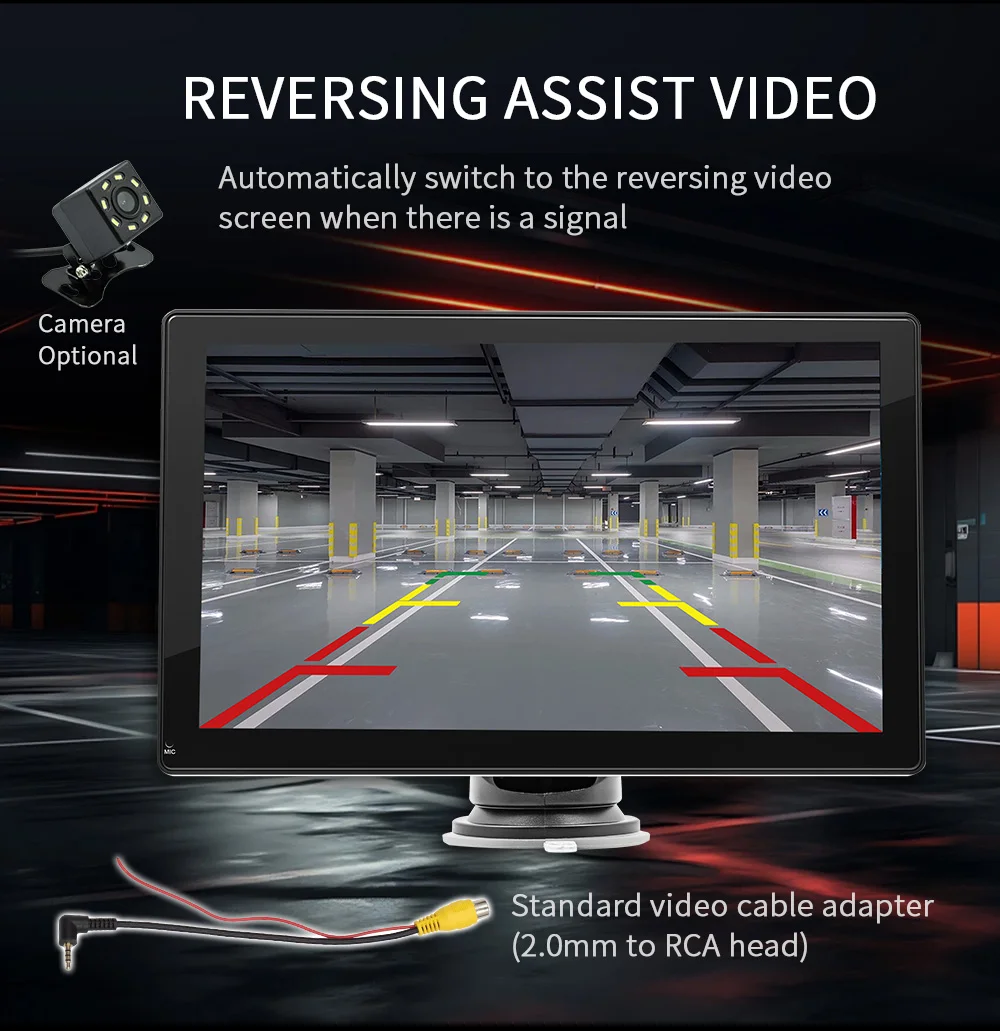
►It can be paired with a wired camera as a backup camera that will automatically switch to the backup screen when backing up, allowing you to see what is happening behind the car.
►With the 9-inch color IPS screen, the colors are more delicate and vivid, allowing you to see more details.
►You can plug in a memory card to play videos or music connect to Bluetooth to play music or make Bluetooth phone calls.
►The package comes with a stand and sticker that can be fitted to most different types of vehicles. Equipped with cigarette lighter power supply, without tedious wiring.
► Support fixed simple voice commands, without touching the screen to complete the screen switch and other operations.
|
Basic parameters
|
|
|
|
Model
|
B5305 (DAB)
|
|
|
Type
|
Portable car MP5
|
|
|
System
|
Allwinner melis system
|
|
|
Software solution
|
F133
|
|
|
Radio frequency
|
Preset transmission frequency 88.60/89.50/91.50/93.00/93.90/95.10 MHz (optional frequency range 87.50-108.00MHz)
|
|
|
Radio transmission
|
IC AB5301B
|
|
|
Amplifier IC
|
CS8571E
|
|
|
Output power Built-in
|
3W speaker
|
|
|
Power line input voltage
|
12V-24V
|
|
|
Operating voltage
|
5V
|
|
|
Operating temperature
|
-10~60℃
|
|
|
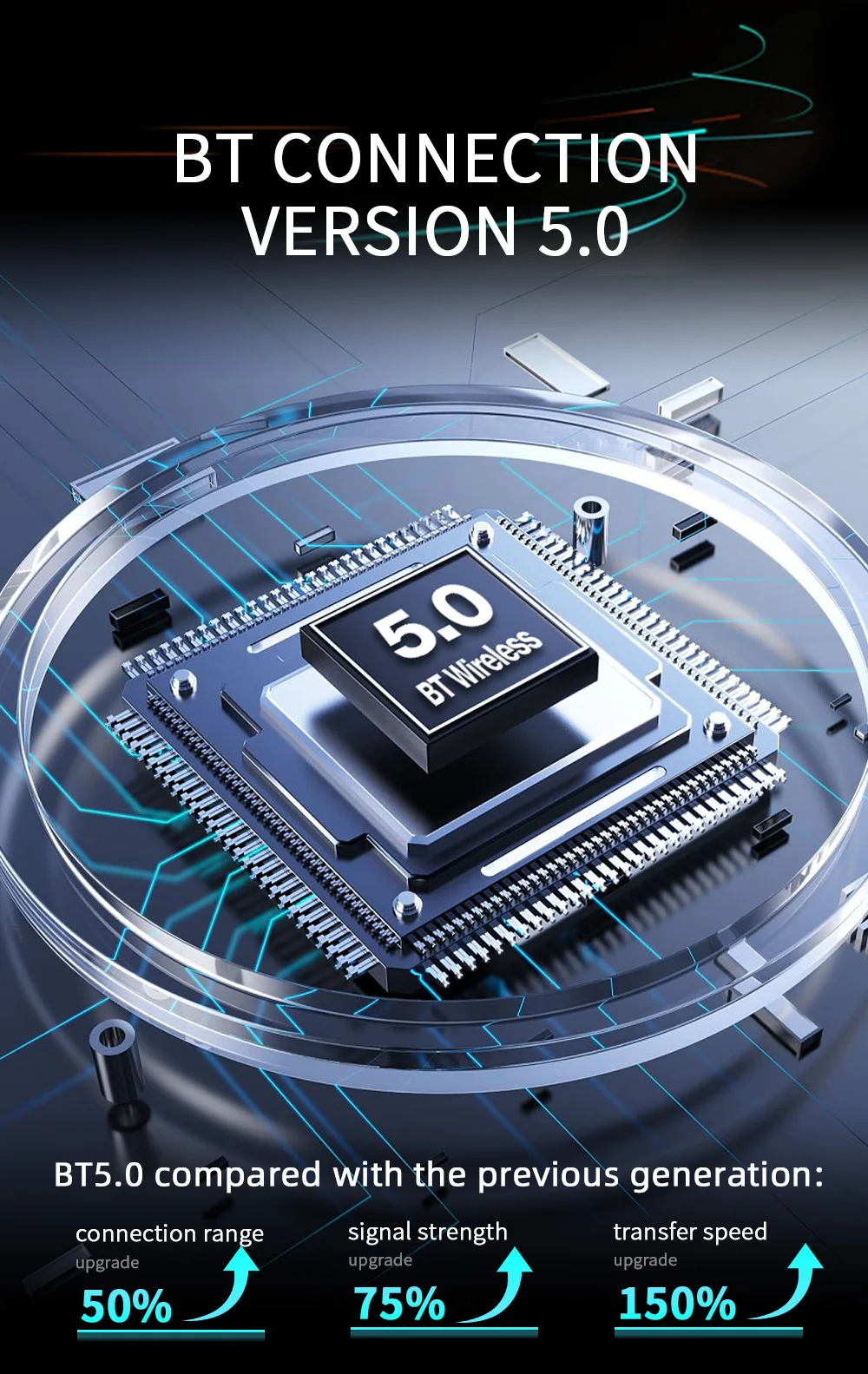
Bluetooth version
|
5.0 version (default name: SWL-BT)
|
|
|
Wifi frequency
|
2.4G/5G dual-band
|
|
|
Performance parameters
|
|
|
|
Running memory
|
533M
|
|
|
Display resolution
|
1024x600
|
|
|
Screen size
|
9 inches HD (IPS)
|
|
|
Dimension parameters
|
|
|
|
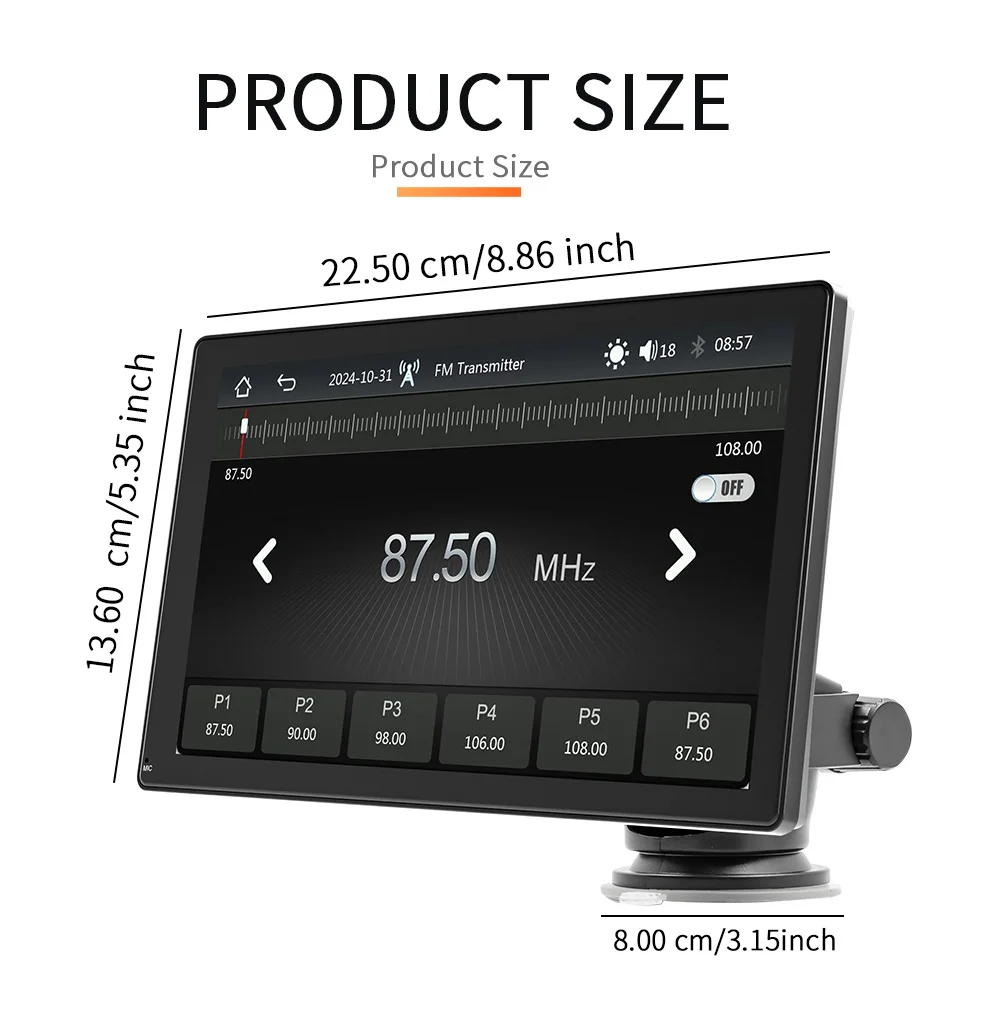
Installation size
|
80x80X25MM
|
|
|
Weight parameters
|
|
|
|
Weight per unit
|
1.5KG
|
|
|
Function parameters
|
|
|
|
Mobile phone interconnection
|
Support
|
|
|
Apple CarPlay:
|
Support wired and wireless
|
|
|
Android Auto:
|
Support Wired and wireless
|
|
|
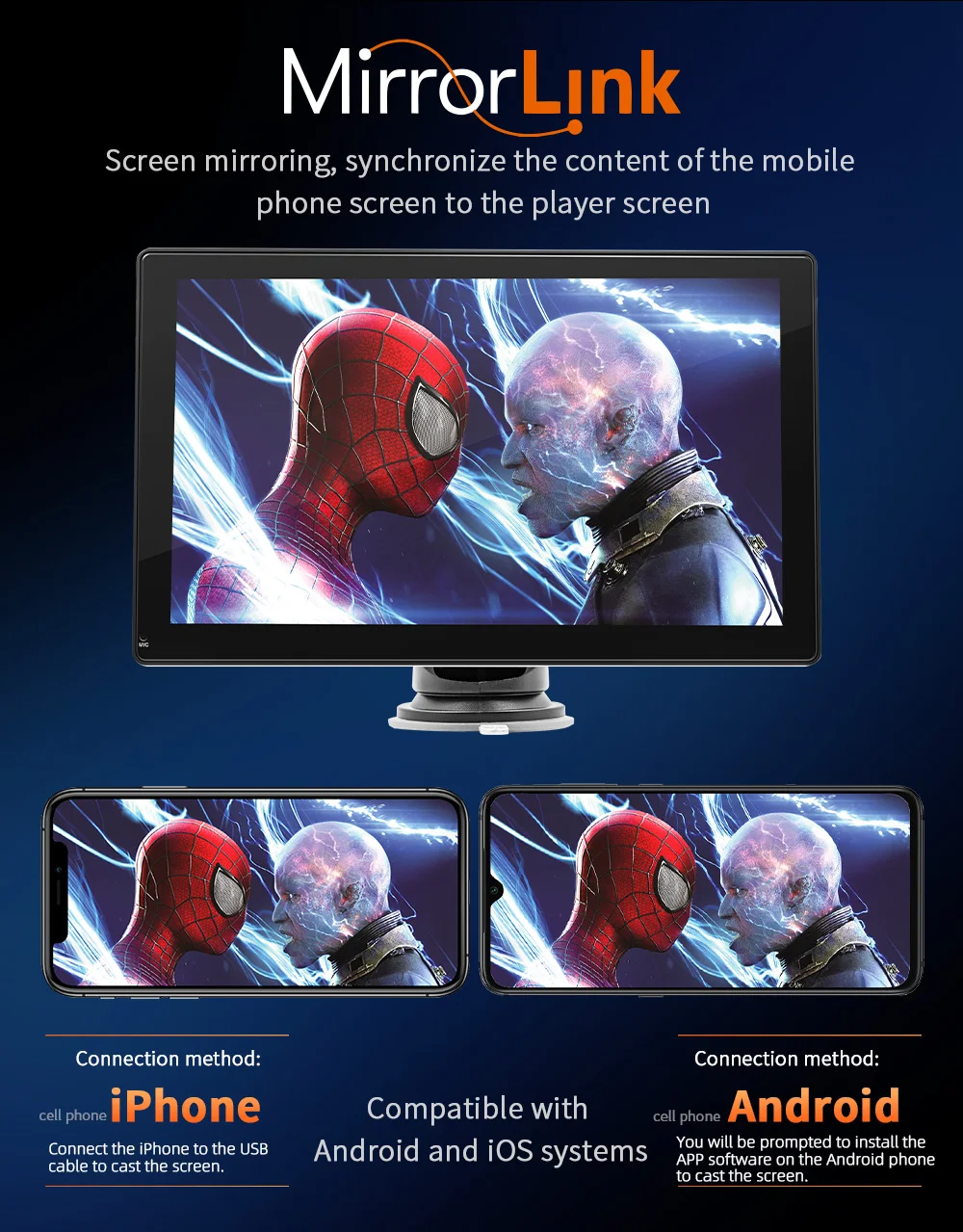
iPhone screen projection
|
Support
|
|
|
Android screen projection
|
Support
|
|
|
Built-in DAB
|
Support
|
|
|
Reversing image support
|
480P 720P 1080P camera optional
|
|
|
Play video warning
|
Support
|
|
|
Driving recorder support
|
Recorder optional
|
|
|
Built-in speaker
|
Support
|
|
|
USB interface
|
USB 2.0
|
|
|
TF card
|
Support
|
|
|
Four-way audio switching
|
AUX/BT/FM/SPK
|
|
|
AUX port parameters
|
|
|
|
Audio output
|
Support
|
|
|
Reversing video input
|
Support
|
|
|
Format parameters
|
|
|
|
Audio format
|
MP3/AAC/APE/OGG/M4A/RA/WAV
|
|
|
Video format
|
H263/H264/H265/DIVX/HD/AVI/FLV/MKV/MPEG/MP4/WMV9/VC/ASF/TS/QT Image format JPEG/PNG/BMP/GIF/TIFF
|
|
|
Language parameters
|
English/Chinese/Traditional
Chinese/French/German/Arabic/Italian/Japanese/Portuguese/Russian/Spanish/Hebrew/Polish/Turkish/Czech/Korean/Greek/Dutch |
|
Packing&Shipping
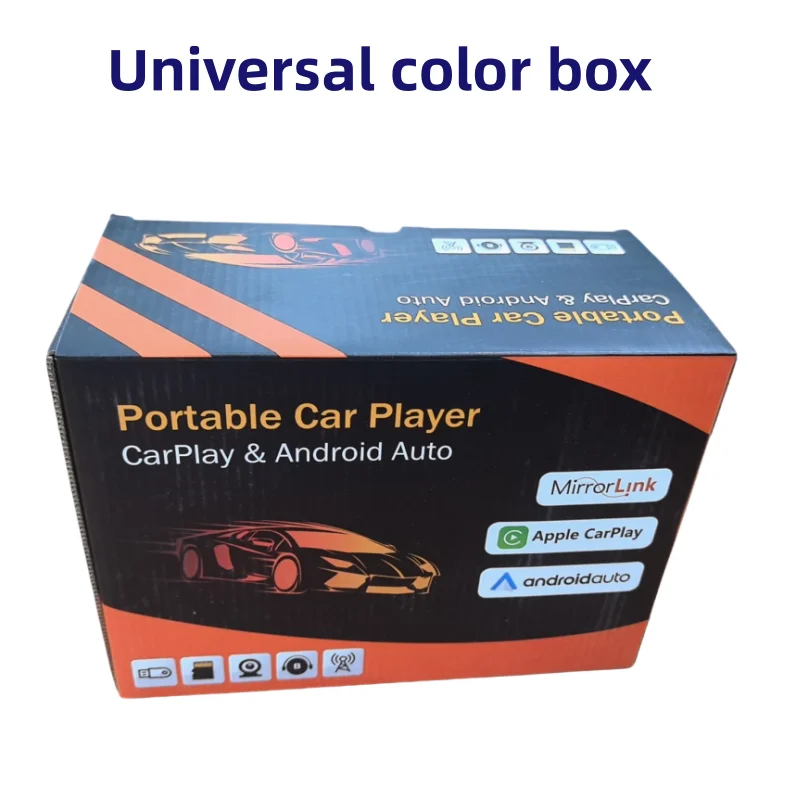
Packing list
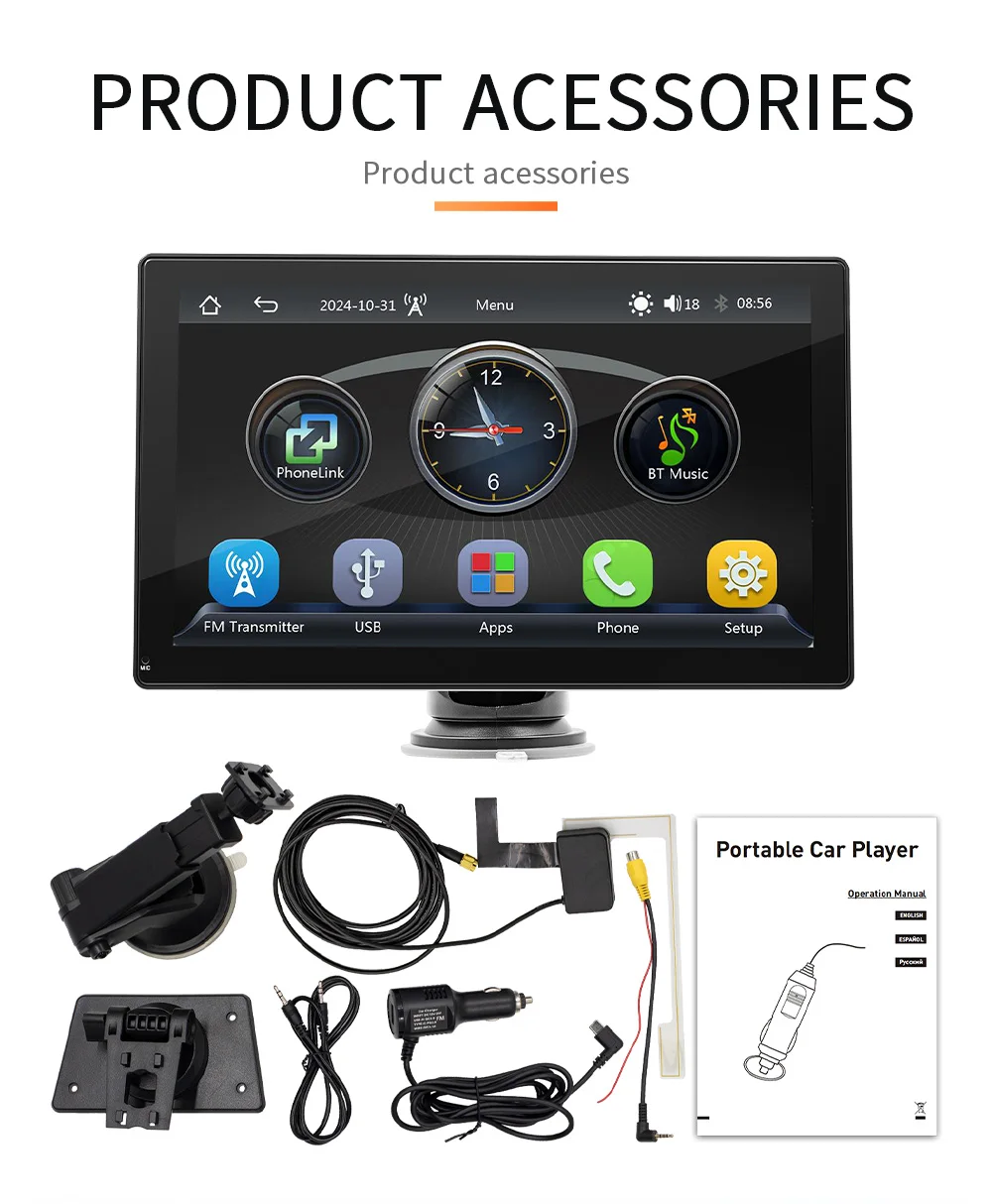
1X1 Head unit 1X1 Manual 1X1 Cigarette lighter power cord 2X1 Installation bracket x2 (desktop bracket, 8CM suction cup bracket) 1X1 Reversing video cable 1X1 AUX audio output cable
FAQ
1: Does this device fit my car?
This is a 9" universal car radio, just attach it to the center console or mount it on the windshield
This is a 9" universal car radio, just attach it to the center console or mount it on the windshield
2. How to install the bracket?
a. Windshield Mount: Attaches the bracket to the windshield with adhesive suction cups. Center console installation: Use
adhesive suction cups to attach the brackets on the center console. If the surface of the center console is not smooth enough, the mounting pad can be fixed on the center console with screws, and the stability of the bracket will be improved.
adhesive suction cups to attach the brackets on the center console. If the surface of the center console is not smooth enough, the mounting pad can be fixed on the center console with screws, and the stability of the bracket will be improved.
3. How to connect Wireless carplay/android auto?
a.You need to turn on Bluetooth and WiFi to connect to Carplay/Android Auto, and Carplay will automatically connect next time. You can use voice control Carplay/Android Auto to play music, navigate, view text messages, etc.
4: How to connect airplay?
4: How to connect airplay?
First, complete the settings: settings - mobile phone link - l0S device (iso mirroring)/ wireless
connection (airplay), after the setting is completed, restart the car radio to use the airplay function normally.
connection (airplay), after the setting is completed, restart the car radio to use the airplay function normally.
5. Why is there no sound from the device?
a. Plug in the AUX cable and turn on the FM transmitter. b. When the FM transmitter is turned on, The built-in speaker needs to be turned off, there is no sound from the speakers
6. is it possible to send audio to car speakers via Bluetooth?
None, only via AUX cable or FM channel.
7. How do you sync sound via FM?
Open the FM TRANSMITTER on the device, click ON on the device, adjust the channel of the car radio to an empty station, and set the radio on the device to the same frequency as the car radio, the setting is complete.
8. How to synchronize the sound through the AUX line?
Find the AUX cable in the package, connect one end of the cable to the AUDl0 port in the upper left corner of the device, and the other end to the AUX-N port on the car, and enter the AUX playback interface in the car to set the radio synchronization sound.
9. Why doesn't the screen light up?
a. Check that the power supply is connected correctly. The light on the USB will light up if one end of the cigarette
lighter is in place, and the other end connects to the Dc 12V power port on the lower left side of the unit.
lighter is in place, and the other end connects to the Dc 12V power port on the lower left side of the unit.
b. After confirming the power on, if the screen still does not light up, there is a reset button on the back of the device, press and hold for 3 seconds.
c. Software problems, you can upgrade the software, please contact customer service.
10. Can l get a rearview camera from the original car/other brand?
No, the rear view camera of the original car/other brands is not suitable for this device. You can order reverse Camera separately.
Shipping cost is based on weight. Just add products to your cart and use the Shipping Calculator to see the shipping price.
We want you to be 100% satisfied with your purchase. Items can be returned or exchanged within 30 days of delivery.